AI agents are only as capable as the context you give them. In support, the context customers care about most often lives in your billing warehouse, your order management database, or some internal tooling that predates every SaaS integration you've ever set up.
"Why was I charged this amount?" → lives in a billing database with complex pricing logic
"Am I eligible for a refund?" → lives in a proprietary rules table no vendor exposes
"Where's my order?" → lives in an order management system with no consumer API
"What's my contract SLA?" → lives in a contracts database that predates modern tooling
Getting that data into your AI agent has historically meant asking engineering to build, maintain, and support a custom API layer. And even when teams do build those integrations, broad API responses flood your AI agent with thousands of tokens of unnecessary data the agent doesn't need, creating slower responses and less accurate answers.
Today, we're changing that with new data connectors in Assembled. They’re easy to use and produce faster, more accurate responses from your AI agents. Here’s how.
How it works
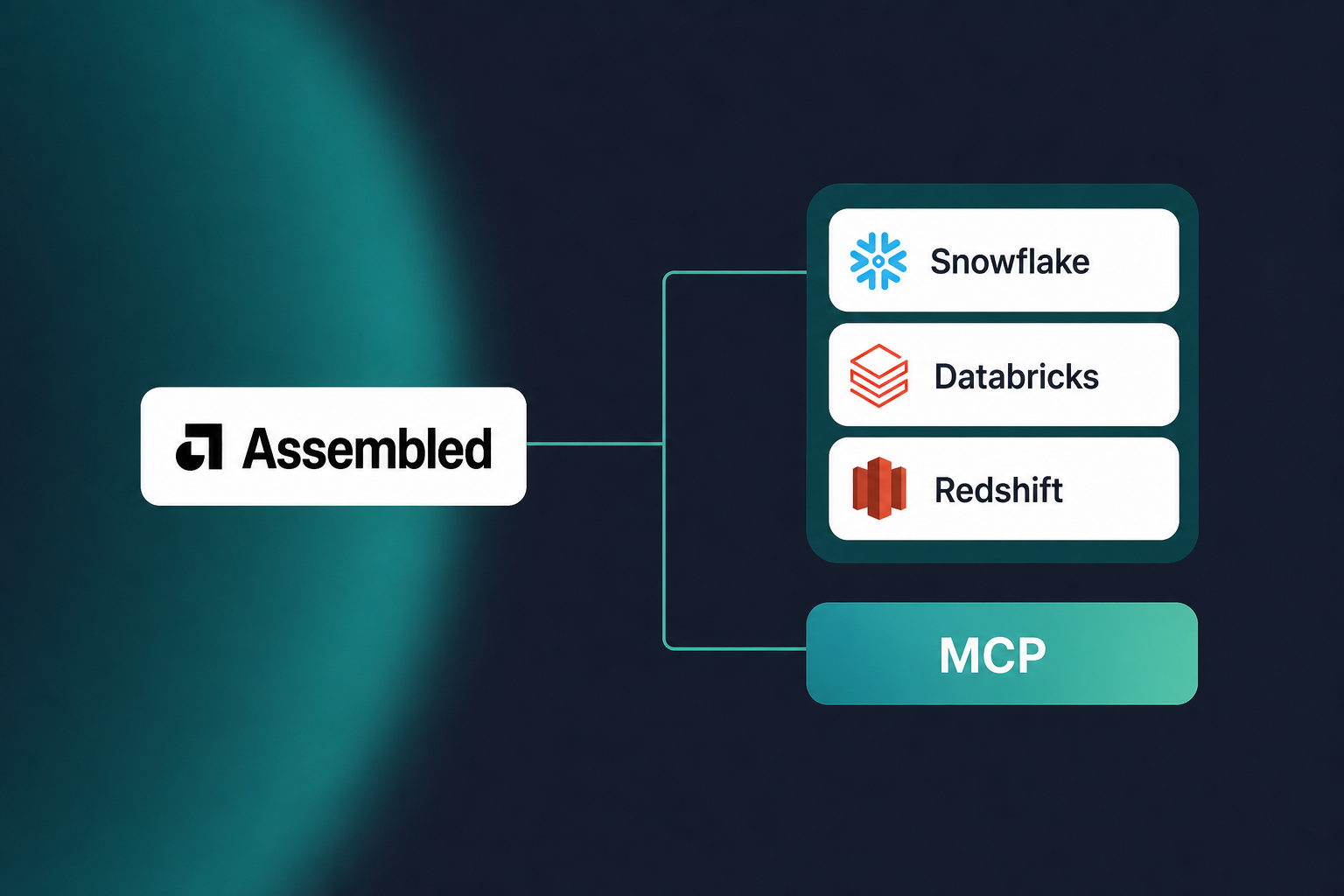
You’ve always been able to connect your data to Assembled via API. In addition to the API, we’re introducing two new complementary connector types: database connectors for direct SQL access and Model Context Protocol (MCP) connectors for structured access to internal tools.
Database connectors: direct access to your data, no API required
Database connectors give your AI agents read-only SQL query access to the warehouses and databases where your real customer data lives. Assembled currently supports Snowflake, Databricks, and Redshift.
You set up a connector once, configure the SQL queries your agent needs, and those queries become reusable steps you can drop into any workflow. When a customer asks about their order status, the agent executes the relevant query, retrieves the result, and responds accurately.
Because each connector supports multiple SQL query tools, you can configure everything from "look up order history" to "check refund eligibility" under one connection, and pull the right query into the right workflow without duplicating setup work.
MCP connectors: structured access to your internal tools
MCP connectors cover a different but equally important scenario: when your agent needs to interact with an internal tool, not just look something up. That could be triggering a refund in an internal billing system, checking live inventory, calling a custom risk-scoring service before approving an action.
MCP is increasingly the standard through which engineering teams expose internal systems to AI. If your team has already built an MCP server for other use cases, you can reuse it directly in Assembled rather than rebuilding the integration from scratch.
Better retrieval, better experiences
Most AI workflows that pull in external data have a context problem. Broad API responses return everything. Thousands of tokens of customer history, metadata, and fields the agent will never use. That extra noise slows responses down and makes answers less accurate, because the model has to reason through irrelevant information to find what actually matters.
These data connectors are built around a different principle: they skip the inference layer entirely and pull in only what the AI agent needs, exactly when it needs it. Targeted SQL queries and MCP tool calls return the precise fields your workflow depends on (order status, billing amount, eligibility flag, etc.) rather than a massive quantity of data the model has to parse.
For data that has to be right (billing amounts, account status, eligibility rules), that precision isn't just a latency win. It's a trust one. The result is sharper accuracy across every channel your agent supports.
Get started
MCP and database connectors are available now for Assembled AI Voice, Chat, Email, and Copilot customers. You can learn more about data connectors and how to set them up in our Help Center. If you're not a customer yet, book a demo and our team will walk you through how Assembled could work for your support operation.