WFM Solutions - Assembled

March 6, 2026
2 min read

Support leaders do not need another vague promise about “better scheduling.” They need clarity. This article explains what workforce management (WFM) software is, the core capabilities that actually move the needle, the benefits your team can expect, and how to evaluate tools against the realities of your operation. We close with industry context, what good looks like in practice, and answers to the questions leaders ask on the path to a decision.

What is WFM software?

Workforce management (WFM) software is the operational engine that brings order to the complexity of modern support. It’s more than just a scheduling tool. It’s a platform designed to help organizations forecast customer demand, schedule the right agents at the right time, and manage the day-to-day performance of the entire support team — whether they’re in-house, outsourced, or even AI agents, particularly critical as 91% face executive pressure to implement AI effectively.

For years, many teams relied on spreadsheets and manual calculations to manage staffing. But that approach can’t keep up with the reality of today’s customer expectations. Modern WFM software automates the complex math behind staffing, giving leaders the visibility and control they need to meet service levels, prevent agent burnout, and make smarter decisions, faster.

Core WFM software capabilities

While every WFM platform is different, most are built around a core set of capabilities designed to answer fundamental operational questions. A strong WFM solution moves beyond basic functionality and provides a strategic toolkit for your entire support operation, including these core capabilities:

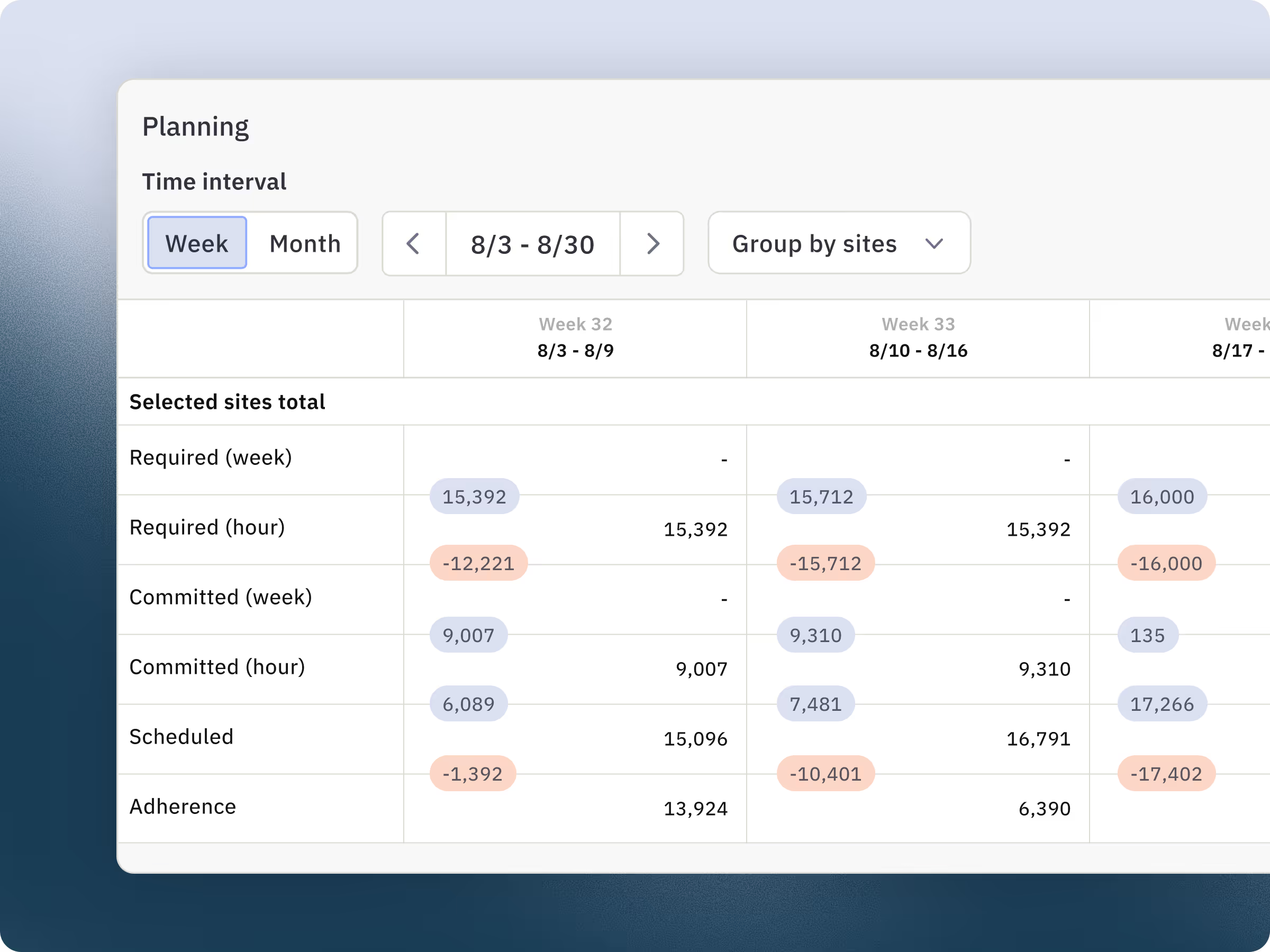
  • Forecasting: Uses historical data and AI to predict future contact volumes across all channels. This allows you to anticipate staffing needs weeks or months in advance, ensuring you’re never over or understaffed.

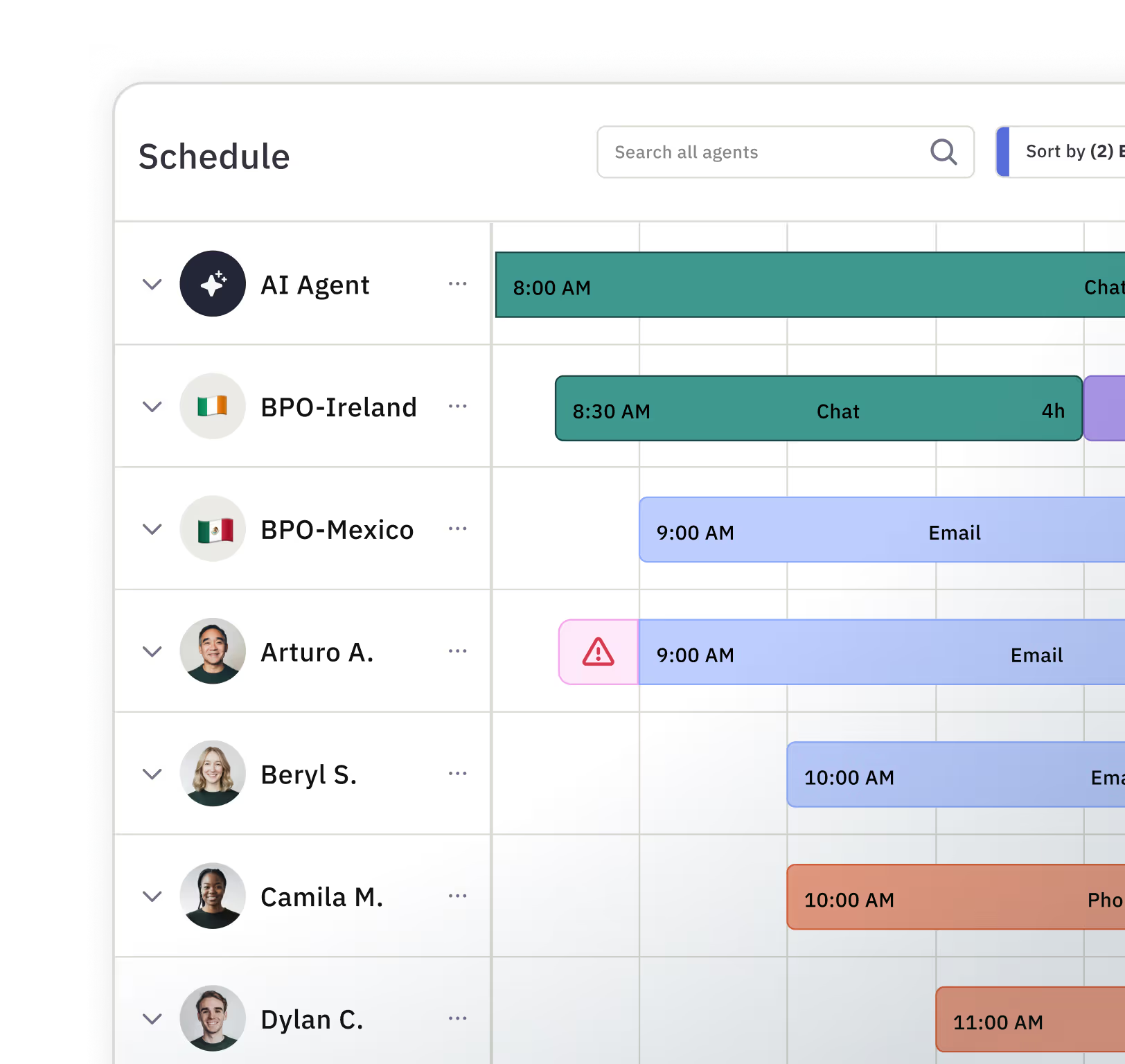
  • Scheduling: Creates optimized schedules that align agent availability with forecasted demand. Modern tools also handle complexities like multi-skilled agents, different time zones, and flexible work preferences, all while ensuring service level targets are met.

  • Real-time management: Provides a live view of queue health, agent adherence, and performance against forecast. This allows managers to make immediate adjustments, like reassigning agents to busy channels, or offering voluntary time off during slow periods.

  • Reporting and analytics: Delivers insights into key performance indicators (KPIs) like service level, occupancy, and schedule adherence. This helps leaders track performance over time, identify trends, and justify staffing decisions to leadership.

Benefits of workforce management software

Moving from spreadsheets to a dedicated WFM platform isn't just about new software — it's about transforming how your support team operates. The benefits extend beyond the WFM team to impact agents, customers, and the company's bottom line:

  • Improved efficiency and lower costs: By accurately matching staffing to demand, you reduce overstaffing and costly overtime. This ensures you’re using your biggest resource — your people — as effectively as possible, especially important as 80% of organizations expect to reduce agent headcount in the next 18 months.

  • Better agent experience: Predictable schedules, fair workload distribution, and easy access to shift-swapping tools reduce agent stress and burnout. When agents feel supported by the system, they can focus on delivering great customer experiences.

  • Consistent service levels: WFM software helps you consistently meet your service level goals. For customers, this means shorter wait times and a more reliable support experience, which builds trust and loyalty.

  • Data-driven decision-making: With clear data on performance and staffing, leaders can make a stronger business case for headcount, demonstrate the ROI of the support team, and plan for future growth with confidence.

How to evaluate workforce management tools

When evaluating WFM software, focus on these core capabilities:

Integration depth: It should connect seamlessly with your existing tech stack — your CRM, help desk, HR systems, and communication tools. The best WFM platforms don't force you to replace what's working; they enhance it.

Forecasting accuracy: Look for systems that can handle your business's unique patterns — seasonal spikes, day-of-week variations, and time-of-day trends. Look for systems that learn from historical data and adjust predictions as conditions change.

Scheduling flexibility: The tool should support complex shift patterns, multiple time zones, and diverse labor rules, while also allowing agents to view and manage their schedules from mobile devices.

Real-time visibility: You should be able to see what's happening right now, not just what you planned last week, via real-time dashboards. Real-time dashboards help you respond to unexpected volume spikes or call-offs.

Reporting and analytics: The platform should surface the metrics that matter — service levels, adherence, utilization, and cost per contact — and allow you to customize reports for different stakeholders.

The importance of workforce management tools in call centers

Call centers face unique workforce challenges that make WFM software essential: unpredictable volume spikes, tight service level targets, and the high cost of getting staffing wrong.

When you're understaffed, service levels drop, wait times spike, and customers abandon. When you're overstaffed, labor costs climb without improving outcomes. Templates and spreadsheets can't keep up with the real-time complexity.

Modern WFM software built for call centers handles this by:

  • Forecasting call volume based on historical patterns, seasonality, and current trends

  • Creating optimized schedules that account for breaks, lunches, meetings, and training

  • Monitoring adherence in real time so you can respond to unexpected changes

  • Providing agents with visibility into their schedules and the flexibility to swap shifts when needed

Key beneficiaries of workforce management software

WFM software benefits any organization with distributed teams, variable demand, or complex scheduling needs — but some industries see outsized impact:

Call centers and support teams: Where service levels, handle times, and cost per contact drive business outcomes, WFM software is non-negotiable. It's the difference between reactive firefighting and strategic capacity planning.

Healthcare organizations: Hospitals and physician practices face complicated call schedules, regulatory limits on work hours, 24/7 coverage requirements, and constant changes from sick leave or emergencies. WFM software manages this complexity while maintaining patient care standards.

Retail and hospitality: With fluctuating foot traffic, seasonal peaks, and part-time workforces, these teams need systems that can forecast demand and schedule efficiently without overspending on labor.

Field service operations: When employees are on-site with customers, managers need visibility into who's where, when they'll be back, and how to optimize routes and appointments.

The anatomy of a successful workforce management system

A successful WFM system delivers three measurable outcomes: accurate forecasts that match actual demand, optimized schedules that balance coverage and cost, and engaged employees who trust the process.

Getting there requires several core practices:

Track the right metrics: Service level, adherence, utilization, and cost per contact tell you if your system is working. Monitor them daily, not just during monthly reviews.

Empower your team: Give agents visibility into their schedules and the ability to request changes or swap shifts. This reduces manager workload and improves satisfaction.

Plan backward from peak: For seasonal businesses, start planning for your busiest period the day after the last one ends. Factor in hiring lead time, training duration, and ramp schedules.

Iterate constantly: WFM isn't a destination. Your demand patterns change. Your business evolves. Your system should too. Review and adjust weekly, not quarterly.

See modern WFM software in action

The gap between spreadsheet-based scheduling and purpose-built WFM software isn't small — it's transformational. Teams that make the switch see measurable improvements in service levels, labor costs, and agent satisfaction within weeks.

Assembled's WFM platform is built for modern support operations: distributed teams, AI-assisted workflows, and the real-time visibility that lets you respond to change rather than react to chaos.

Book a demo to see how Assembled handles forecasting, scheduling, and real-time optimization for teams like yours — no matter how complex your operation.

Frequently asked questions about WFM software

Finding the best WFM software

The “best” WFM software depends entirely on your team’s specific needs. Instead of looking for a single best tool, focus on what’s the right fit for your operation. Consider factors like the complexity of your channels, your need for integrations with tools like Zendesk or Salesforce, and whether the platform can support a modern, distributed team of human and AI agents. The best solution is one that grows with you.

WFM software pricing and cost

WFM software pricing typically depends on the number of agents on your team and the specific features you need. While some vendors charge a flat fee, most use a per-agent, per-month model. It’s helpful to view this not as a cost, but as an investment. The efficiency gains from reduced overstaffing, lower overtime, and improved productivity often deliver a significant return on investment.

WFM software and ERP systems

Sometimes, but not always. Some large enterprise resource planning (ERP) or human capital management (HCM) systems include a basic WFM module. However, many modern support teams choose a dedicated, best-in-category WFM platform. These standalone solutions offer deeper functionality, better integrations with support-specific tools, and more flexibility to adapt to the unique challenges of a customer-facing team.

Tags
All
Workforce management

Related content

All
Workforce management

9 tips for improving call center agent performance

Explore more
All
Workforce management

Calabrio vs. Verint: How to Pick the Best WFM Software

Explore more
All
Workforce management

Support agents time management - Assembled

Explore more